Audio Draft

For my story I really wanted to be able to tell my message within the given time frame. I could have gone on and on, but I think the time limit actually helped me keep my story nice and short. Being able to drive home an important message within 2 minutes is a challenge, but since the message itself wasn’t complex it was rather easy. For my design process I was able to ask one of the local highschool football coaches a question about what he sees on a daily basis regarding his athletes. This was the best part of my story because I was able to use someone who sees it happen to kids every year and knows the full extent of my story. I used google docs to write down my script as to what I was going to say during my story. Finding the right parts of the story to tell was difficult because I had to keep it short in order to meet the time requirements. I keep my history in sports short because I felt it wasn’t too important to what the overall theme of the story was. It took me 6-7 takes to record the story without errors. I didn’t think I would get nervous talking into a microphone to nobody, but I struggled with pronouncing my words and my pace. For the first few takes my voice was shaky and I had cottonmouth. After awhile my nerves calmed down and I recorded a draft without errors. What I like about audition over other programs is that you can easily edit the length of the audio with the sliding tool. With other programs such as audacity I struggled with the interface and ended up just getting frustrated. I really enjoyed doing this part of the project as I was able to make sense of all the images I made with photoshop and illustrator.

Final Logo Draft

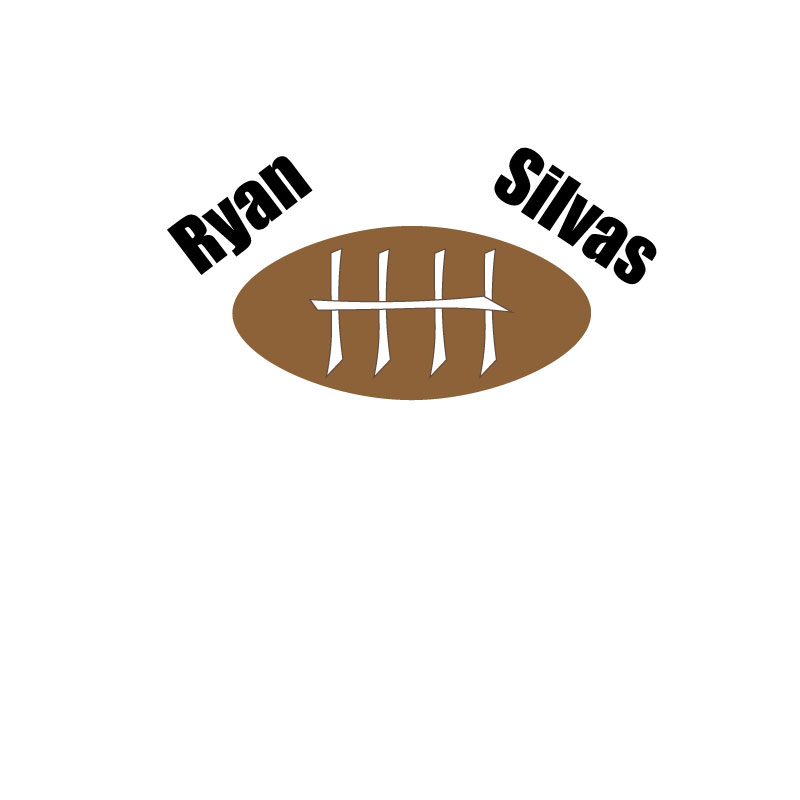
The final image turned out to look much better than the initial draft. The comments from the peer review helped out a ton and created a whole new inspiration for me. I was able to apply some of the ideas and suggestions given to me from those comments and it made my final draft that much better. For my project I decided to drop the cartoon look on the laces that I had in the first draft, but instead used something else. The text from the draft didn’t complement the photo well and were just kind of thrown on there. On the final draft I was able to incorporate my name into the photo which added another level that I was able to work with. I used the oval tool this time instead of using the square tool and try to concave it inwards to look like a football. The oval tool helped me create a more defined football that had a more realistic look to it. I also learned how to bend straight lines which helped with the development of the white stripes on both ends of the football. This was something that I lacked in the first draft, but after watching some videos I was able to apply it to my logo. For my logo I wanted to include my name, but not in an intrusive matter so I placed it underneath the laces on the football. I think this turned out to look nice because it matched the real look of a football and didn’t change the shape. I was also able to take my first name “Ryan” and bend it around the top curve of the football so it doesn’t look like it stands out too much. I really enjoyed learning how to use Adobe Illustrator and think I will be able to use this app outside of school to enjoy being creative.    

Draft Logo

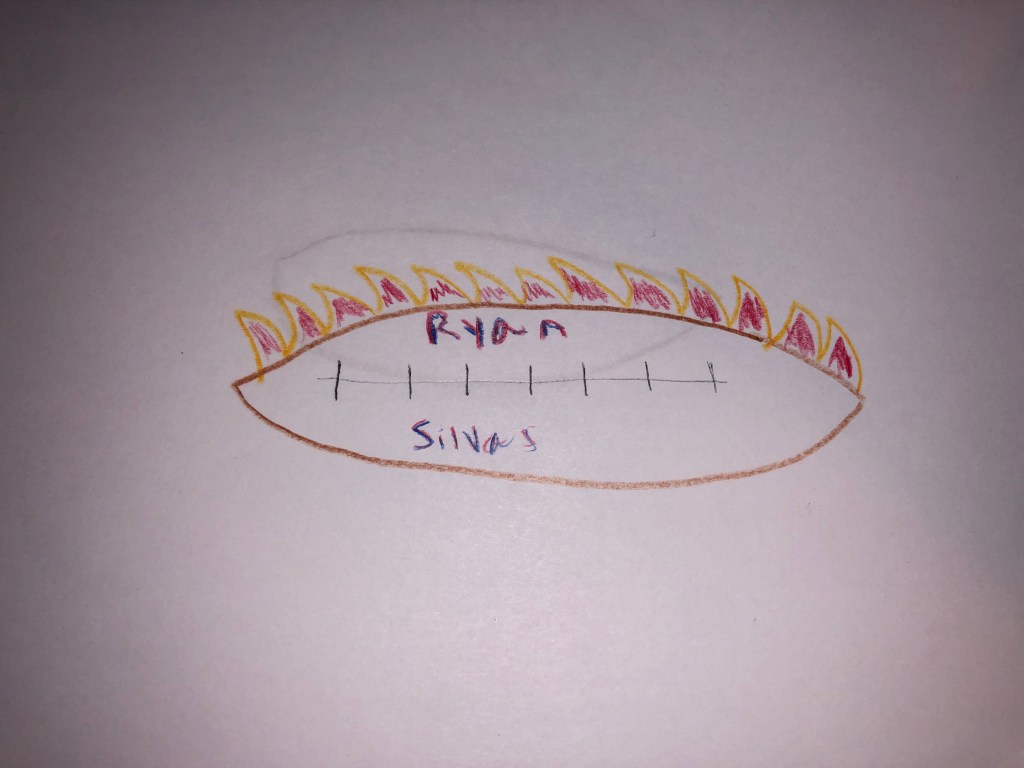
For my project I chose to use a football because that is what my story is about. The design process for this logo was fairly easy because my story only revolves around one major topic which is football. I found a YouTube video that showed me how to make the egg-like shape that represented the football which helped, but I was unable to figure out how to make it appear more 3D. The significance of the football is that it is a major part of my life and always has been since I was seven which is why I chose it to be the topic of my story. Using illustrator has been a challenge for me because I have never been one to connect with drawing or physical art. My creativity is more associated with story telling and video production. Ever since I was little I have struggled with drawing, but when instructed in class I could come up with an interesting story off the top of my head. The story I am telling for this class is a true story so it won’t involve any creative writing which is why it was difficult to design a creative logo. The main element I used when putting together my logo was the shape tool. I was able to use several of the different shapes to help put together the football and also using the curvature tool to help shape the laces. I choose the laces to look slightly off center as I wanted them to look more cartoonish rather than realistic because I preferred that style. I chose to use a large text font because I wanted the name to stick out almost like it was a movie title and it would catch the viewers eye. I enjoyed this project and I am excited to see what my final draft turns out to be as I think the criticism from my classmates will help.